 Русский
 Deutsch
 English
 Español
 Français
 Italiano
 Português
 العربية
 हिन्दी
 日本語
日本語 简体中文
简体中文

 Android
 iOS
iOS Mac
Mac Windows


Как защитить Android от клонирования SIM: ставьте надежные пароли, обновляйте ПО и не устанавливайте сомнительные приложения.
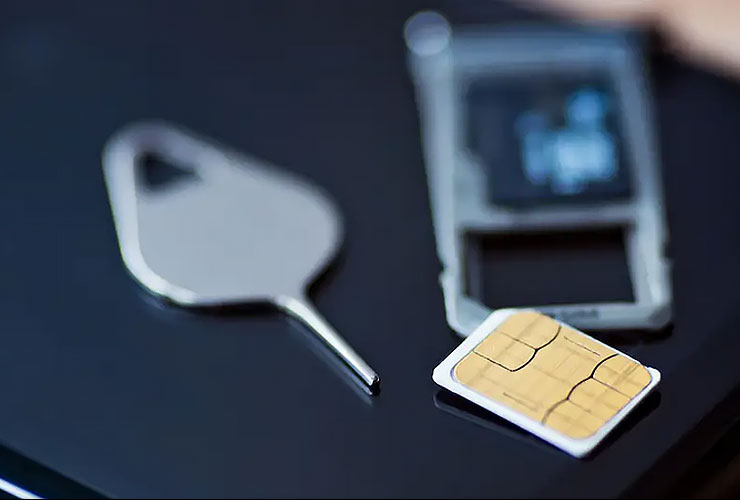
Have you ever received a call or message supposedly sent on your behalf — even though you never made that call or sent that message? This could be a warning sign that your SIM card has been cloned. SIM card cloning involves creating a copy of your SIM card so that attackers can make calls or send messages on your behalf without your knowledge. This not only violates your privacy but can also lead to financial losses.
What is SIM card swapping?
SIM card swapping occurs when cybercriminals convince a mobile operator’s support staff to transfer your phone number to a new device under their control. After that, they effectively gain full control over all actions related to your phone number. Often, basic information such as your name, phone number, and date of birth is enough. In some cases, insider threats from telecommunications company employees play a role in large-scale number porting attacks.
What is SIM card cloning?
SIM card cloning is an even more technically complex attack. Hackers use specialized software to create an exact copy of a SIM card, allowing them to steal the International Mobile Subscriber Identity (IMSI) and the main encryption key. This usually requires physical access to the SIM card. However, remote SIM card cloning is also possible via Over-the-Air (OTA) communication, which further increases the risk.
Why do attackers want your SIM card?
A hacked or cloned SIM card can expose personal data, accounts, and other confidential information. This can allow criminals to gain control over your online accounts or even target your bank accounts. On the dark web, attackers often seek SIM card cloning services to access victims’ banking information and other valuable data.
Five steps to protect your Android device from SIM card cloning
- Contact your mobile operator
If you suspect your SIM card has been cloned, immediately contact your operator. They can block the suspicious SIM card and implement additional security measures. - Use strong passwords
Create unique and strong passwords for your mobile account. Avoid reusing passwords across different platforms. A combination of letters, numbers, and special characters makes hacking more difficult. - Enable two-factor authentication (2FA)
With 2FA, accessing your account requires an additional verification code (besides the password). This significantly complicates hacking attempts. - Monitor your account activity
Keep an eye on your mobile accounts (and linked financial accounts) for unusual transactions or logins. If you notice anything suspicious, report it to your operator immediately. - Use antivirus and firewall apps
Tools like Antivirus AI and Firewall AI add an extra layer of protection to your phone by helping detect malware and blocking suspicious network traffic that could facilitate SIM card cloning.
How Antivirus AI and Firewall AI help
Antivirus AI
This solution scans your Android device in real time for viruses, malware, and other threats. It also helps detect malware that could be used for
 Вернуться назад