 Русский
 Deutsch
 English
 Español
 Français
 Italiano
 Português
 العربية
 हिन्दी
 日本語
日本語 简体中文
简体中文

 Android
 iOS
iOS Mac
Mac Windows


Как распознать фишинговое письмо: советы и примеры для вашей безопасности. Узнайте признаки и защититесь от мошенников онлайн.
February 19, 2023
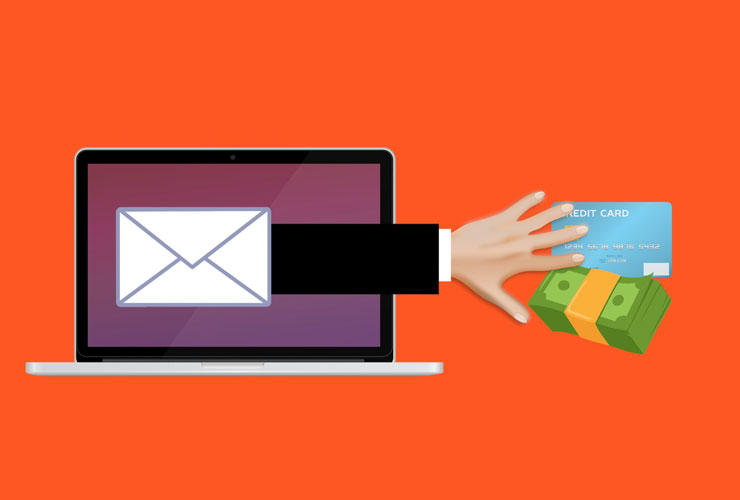
Phishing emails are a type of cyberattack aimed at deceiving the recipient to obtain personal information such as login credentials or financial data.
These emails often use social engineering techniques to create a sense of urgency or panic, prompting the recipient to act without thinking. In this article, we will take a closer look at how to recognize phishing emails and provide several examples to help you better identify them.
- Check the sender's email address. One of the simplest ways to spot a phishing email is to check the sender's email address. Scammers often use fake or spoofed addresses to make their messages look legitimate. For example, a phishing email pretending to be from PayPal might have the address "paypal@securepayments.com". It is important to remember that legitimate companies always use their own domain in email addresses, such as "paypal.com".
- Pay attention to urgent or threatening language. Phishing emails often use urgent or threatening language to make the recipient act quickly without thinking. For example, an email supposedly from the IRS might claim that a tax refund is at risk if you do not click a link and fill out a form immediately. Other common tactics include warnings about account hacking or the need to urgently change a password. Be cautious with emails demanding immediate action or threatening consequences if you do not respond.
- Watch out for generic greetings. Legitimate emails usually address the recipient by name. If an email starts with a generic greeting such as "Dear Sir/Madam" or "Hello, Customer," it may be a phishing attempt. For example, a phishing email pretending to be from Amazon might start with "Dear Amazon Customer" instead of addressing you by name.
- Be cautious with unexpected attachments or links. If you receive an email with an unexpected attachment or link, do not click on them. Scammers often use such attachments or links to spread malware or steal personal information. Always verify with the sender before clicking on links or downloading attachments. For example, a phishing email pretending to be from a delivery company might contain a tracking link for a package you are not expecting.
- Check for spelling and grammatical errors. Phishing emails often contain spelling and grammar mistakes. Legitimate companies usually have professional copywriters or editors who proofread emails before sending. For example, a phishing email pretending to be from a bank might contain errors like "Dear Valued Cutomer" instead of "Dear Valued Customer".
- Look for suspicious branding. Scammers often use logos and branding of legitimate companies to make their emails look authentic. However, upon closer inspection, you may notice small differences in the logo or design indicating a fake. For example, a phishing email pretending to be from a social network might use a similar logo, but the colors or design will be slightly off.
- Check the website URL. If you do click a link in an email, always check the website URL before entering any information. Phishing emails often use fake URLs that look like the real ones but lead to a fake site that collects your personal information. For example, a phishing email pretending to be from a bank might contain a link resembling "www.bankofamerica.com," but the actual URL will be “www.bankofamerica-secure-login.com.”
Phishing emails are a dangerous cyber
 Вернуться назад