 Русский
 Deutsch
 English
 Español
 Français
 Italiano
 Português
 العربية
 हिन्दी
 日本語
日本語 简体中文
简体中文

 Android
 iOS
iOS Mac
Mac Windows


Смартфон в путешествиях и при пересечении границ: как защитить конфиденциальность и личные данные.
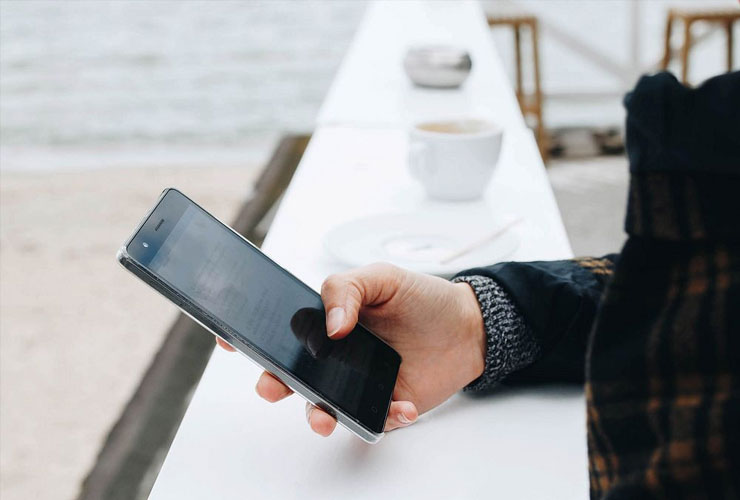
Smartphones are indispensable travel companions, serving as navigators, guides, cameras, and communication tools. However, trips come with special risks to privacy and data security. At airports, border checkpoints, or hotels, third parties or government agencies may gain access to your data. Public Wi-Fi networks or unknown charging stations pose threats of hacking and information theft. Even seemingly harmless vacation photos or correspondence can cause problems in certain situations — for example, a professor was denied entry to the USA because her phone contained a photo of a politically sensitive person.
Good news: with a few simple measures, you can significantly enhance the protection of your personal information — although one hundred percent privacy is never guaranteed.
Before the trip: preparing your smartphone
Thorough preparation before traveling is key to better data security on the road. Before departure, make sure your smartphone (as well as tablets or laptops) is optimally protected and cleared of unnecessary or sensitive data. The main rule: take only what you really need. Experts recommend minimizing the amount of information on the device. Below are the main steps before the trip:
- Install updates
Make sure your smartphone has the latest operating system version installed, and all apps are updated. Security updates fix known vulnerabilities. It’s better to enable automatic updates but quickly check if apps request new permissions so you don’t accidentally grant unwanted access. - Enable device lock and encryption
Set a lock screen on your phone with a strong password or PIN code. Avoid simple combinations like “1234” or birthdates. Ideally, use at least six digits or, even better, an alphanumeric password. Modern smartphones usually automatically encrypt data when a strong unlock code is set. This means data cannot be read in plain text without entering the code. Remember: encryption strength depends on the password. Choose a truly strong combination (for example, a sequence of random words or at least nine characters without simple words). On laptops, disk encryption often needs to be enabled separately (for example, BitLocker for Windows or FileVault for Mac). - Disable biometric unlocking
Turn off fingerprint and face recognition, especially if crossing international borders. The reason: biometric data can be used against you if you are forced to unlock the device. A border officer can simply hold the phone to your face or place a finger on the sensor. It is harder to force a digital code, and in some countries passwords are better protected by law than fingerprints. Disable biometrics before the trip and enable it only when the risk of forced unlocking has passed. - Create a backup of important data
Make a full backup of your smartphone and keep a copy at home or in a secure cloud. This way you won’t lose valuable photos, contacts, or files if the device is damaged, lost, or confiscated on the way. It’s better to keep the copy separately — for example, on a USB drive or in a cloud storage with strong protection — to have access in an emergency regardless of the phone. - Remove sensitive data from the device
Carefully consider what you really need on the road and delete everything unnecessary. The less personal information on the device, the lower the chances it will fall into the wrong hands. For example, upload photos from past vacations or confidential documents to a secure cloud (preferably with end-to-end encryption), and delete them from the phone. The same applies to correspondence and emails with sensitive content — delete what you don’t need. Don’t forget
 Вернуться назад