 English
 Deutsch
 Español
 Français
 Italiano
 Português
 Русский
 العربية
 हिन्दी
 日本語
日本語 简体中文
简体中文

 Android
 iOS
iOS Mac
Mac Windows


iShredder™ Business · iShredder™ Enterprise · for mobile devices
One goal: no recoverable data. Three ways to get there.
Erase iPhones and iPads with a Mac or Windows PC. Erase Android devices directly in the app. iShredder Business guides you to the right solution and provides the proof you need for audits, GDPR compliance, and resale.
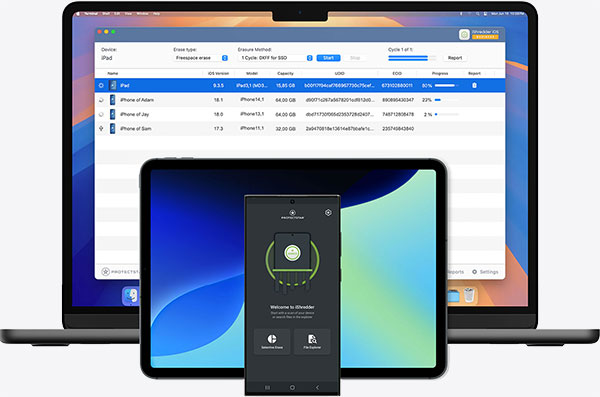

Three solutions
What devices and systems are you working with?
What do you want to erase, and which system are you using? These two questions guide you to the right solution.
A good fit if …
Step 1What do you want to erase?
Step 2Which system will run the erasure?
Your solution
iShredder™ iOS Business
Runs on macOS and erases iPhones and iPads via USB cable. Unlimited erasures during the license term.
View solutionYour solution
iShredder™ iOS Enterprise
Runs on Windows and erases iPhones and iPads via USB cable. Licensed through credits that never expire.
View solutionIt depends on your system
iOS Business or iOS Enterprise
Both erase iPhones and iPads via USB. The difference is the host system—Mac or Windows—and the licensing model. The comparison shows both paths side by side.
View comparisonYour solution
iShredder™ Android Business
Installs directly as an app on the Android device. Volume license with a device quota; no computer required.
View solutionMultiple platforms in use
Tell us what your fleet looks like
For mixed fleets or larger volumes, we will recommend the right combination of the three solutions. Briefly describe your setup.
Send inquiryor choose directly
Mixed fleet, large volumes, or special requirements? Send inquiry
For macOS · unlimited licensing model
iShredder™ iOS Business
The Mac solution. Unlimited erasures.
iShredder iOS Business runs on your Mac. Connect iPhones and iPads via USB cable and process multiple devices through a shared workflow.
- Runs on
- macOS 11 or later
- Erases
- iPhone, iPad, iPod touch (via USB)
- Model
- Unlimited erasures during the license term
- Ideal for
- Consistently high volume, refurbishers, large recyclers
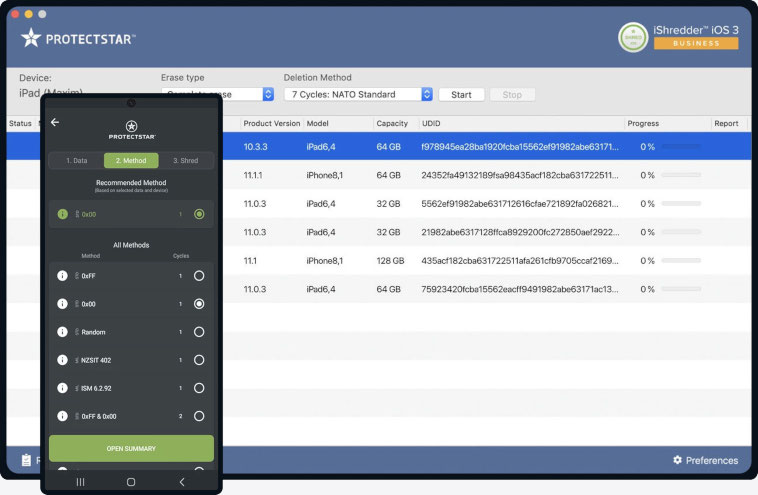
Pricing · iShredder iOS Business
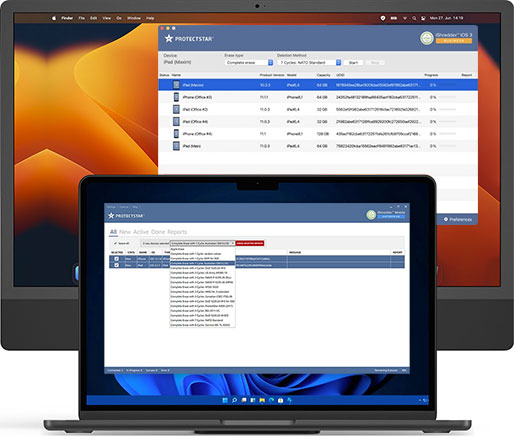
For Windows · credit model
iShredder™ iOS Enterprise
The Windows solution. Pay per erasure.
iShredder iOS Enterprise runs on Windows. Connect iPhones and iPads via USB cable; the software detects the devices automatically.
- Runs on
- Windows 10 or later
- Erases
- iPhone, iPad, iPod touch (via USB)
- Model
- Credits per erasure, no expiration date
- Ideal for
- Project-based erasure, IT consultants, refurbishers
Pricing · iShredder iOS Enterprise
For Android · volume license
iShredder™ Android Business
The app for the device itself.
iShredder Android Business is installed directly as an app/APK on the Android device and securely overwrites its data in three steps.
- Runs on
- Android device itself (app, Android 5.0 or later)
- Erases
- The Android device itself, no computer required
- Model
- Volume license, device quota
- Ideal for
- Managed Android fleets, IT departments
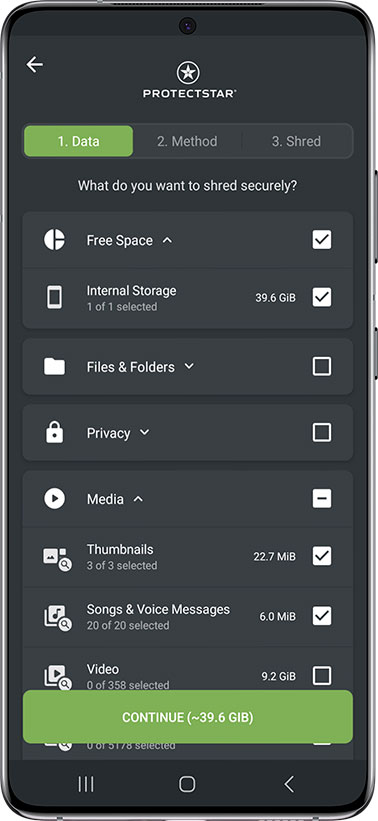
Pricing · iShredder Android Business
Shown are the 1-year licenses. Longer terms are available in the shop.
The difference
Why more than a factory reset?
Resetting a device feels final. Technically, it often isn’t. Secure erasure happens in two steps.
Step 1
A factory reset alone is often not enough
A factory reset removes the encryption key; simple deletion only removes the file reference. The actual data blocks remain physically in storage, including reserved areas.
Step 2
iShredder overwrites the storage
iShredder overwrites accessible storage areas according to recognized standards such as NIST SP 800-88, DoD 5220.22-M, and BSI TL-03423. Where technically accessible, no usable data fragments remain.
After overwriting, recovery becomes virtually impossible in technically accessible storage areas, even with forensic methods.
How it works
Erased in three steps
No matter which of the three solutions you use, the workflow is the same: select, choose a method, securely erase.
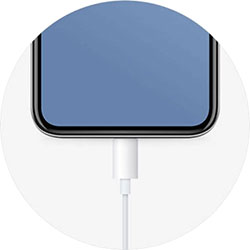
Step 1
Connect devices or select data
Connect iPhones and iPads via USB cable, or launch the app directly on the Android device.
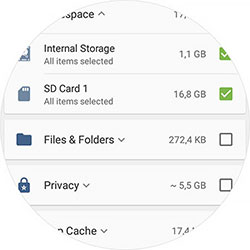
Step 2
Choose erasure method
Choose a recognized erasure method that fits the storage, compliance requirement, and desired depth.
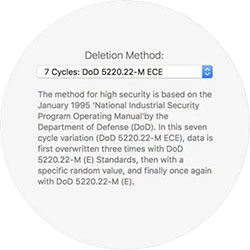
Step 3
Securely erase and receive a report
Start the process. iShredder logs every step and provides proof of erasure for each device.
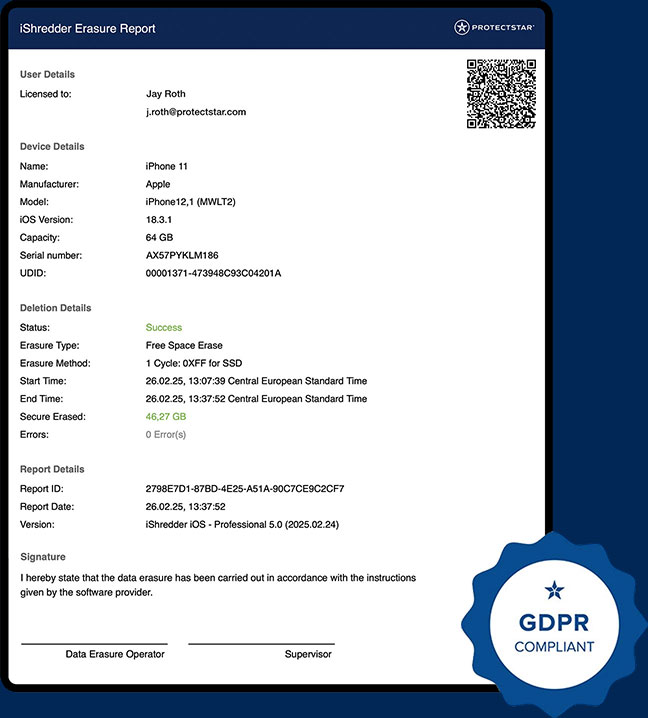
The shared proof
One report. Every time.
For every device, it is not enough to know that it was erased — you also need to prove it. iShredder documents the device, method, time, result, and operator. For iOS, this is delivered as a digitally signed erasure report; for Android, as an erasure log.
- Device ID
- Method
- Verification
- Timestamp
- Operator
- Audit-ready

All three compared
Which solution fits your needs?
Three products, one shared proof. The difference is the system and the licensing model.
| iShredder iOS Business The Mac solution | iShredder iOS Enterprise The Windows solution | iShredder Android Business The on-device app | |
|---|---|---|---|
| Runs on | macOS | Windows | Android (App) |
| Erases | iPhone, iPad | iPhone, iPad | Android devices |
| License | Unlimited · from $799 | Credits · from $39 | Volume license · from $119 |
| Ideal for | High volume | Project work | Android fleet |
Recognized methods
More than 20 recognized erasure methods
iShredder Business works with recognized government and military methods, including DoD 5220.22-M, NIST SP 800-88, BSI TL-03423, NATO Standard, CSEC ITSG-06, and HMG IS5.
iShredder Business supports data sanitization aligned with NIST SP 800-88 Rev. 2: Clear, Purge, and Destroy workflows, each with method-specific verification and an erasure report.
Award-winning and independently tested





Compliance statements
DoD 5220.22-M, NIST SP 800-88, and BSI TL-03423 are recognized methods, not third-party product certifications. iShredder implements them and documents every erasure process.
Frequently Asked Questions
Good to know
Still not sure?
Describe your fleet. We’ll recommend the right solution.
Tell us what you want to erase and which system you use. For mixed fleets or larger volumes, we’ll get back to you with a clear recommendation.